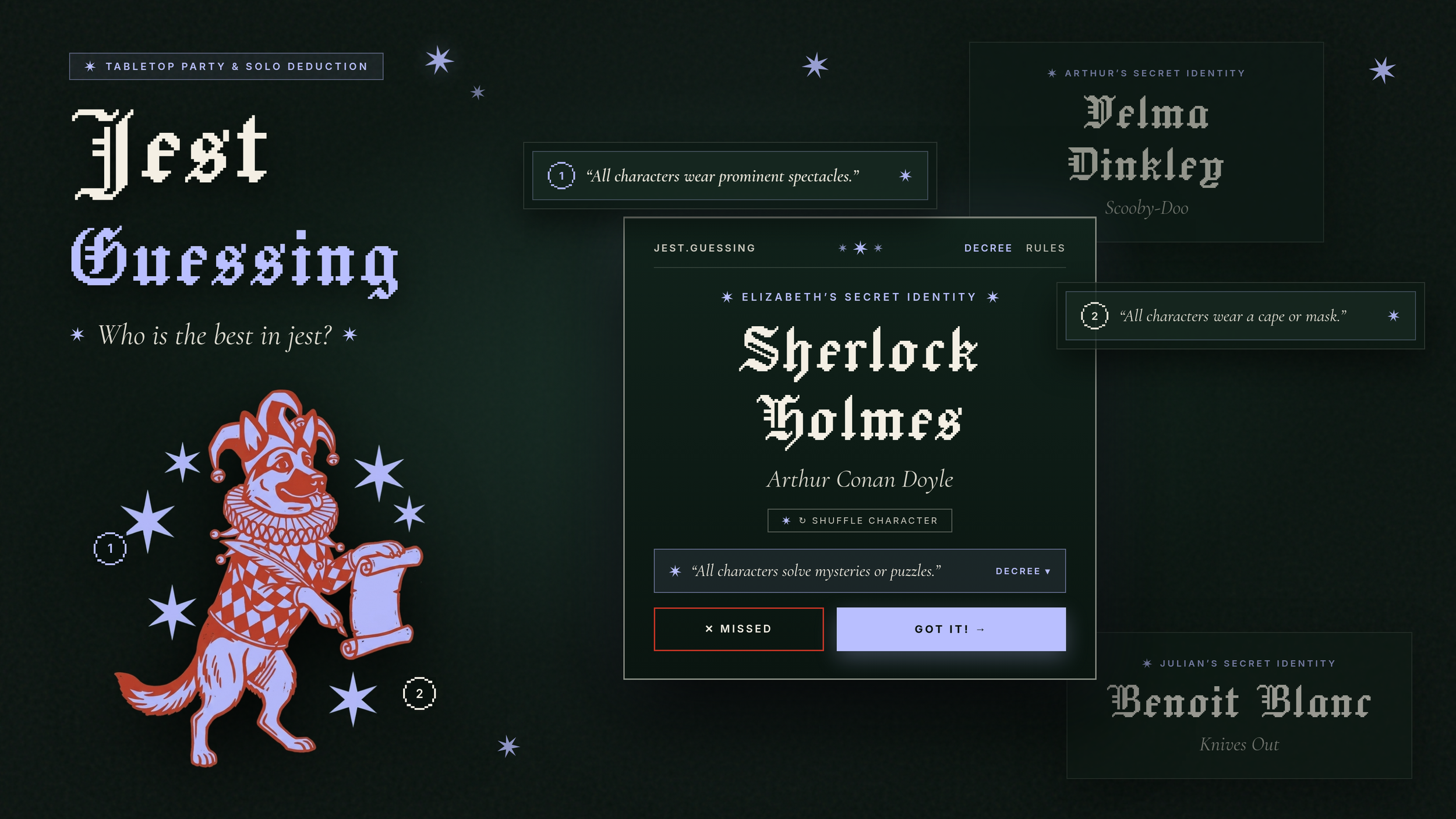
TL;DR I created a character guessing game based on a popular YouTube channel.
Both characters have a missing limb or prosthetic
Both characters are bald
Both characters are royalty
Both characters have the same name
Both characters are cyborgs
Both characters are dads
Both characters wear an iconic mask
Both characters have a missing limb or prosthetic Both characters are bald Both characters are royalty Both characters have the same name Both characters are cyborgs Both characters are dads Both characters wear an iconic mask
Background
Recently when I was visiting my brother Daniel in Texas he introduced me to a phenomenal YouTube channel called The Best in Jest. The premise is simple: 2 people get assigned a character and they have to figure out who it is. I love the concept and thought it would be great to be able to play this type of game with friends during a dinner party or at the pub.
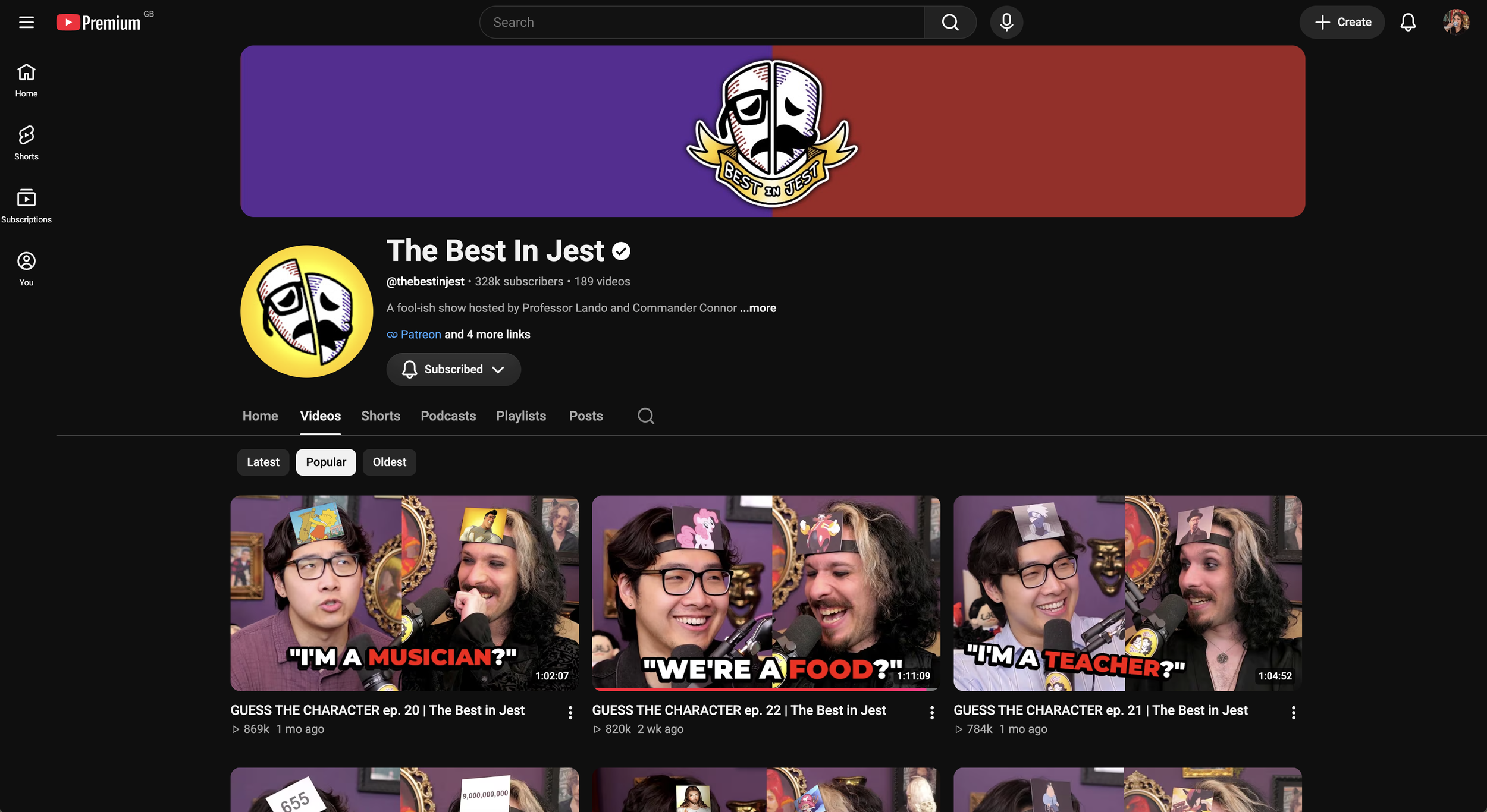
What inspired this all: The Best in Jest Youtube channel
HMW create a character guessing game that I can play with friends?
Process
Determining the rules
Every game has a commonality that all characters need to align to
Each player is randomly assigned a character without them seeing
Each round, players can do the following:
Ask 1 yes or no question
Guess their character
Once one player guesses correctly, each player has one more chance to guess
Collecting the Data
To give my game agent a reliable foundation, I needed two things: a curated list of fun commonalities and a deep pool of recognizable characters to pull from. I compiled these and converted them into clean JSON files, which I hosted on GitHub so I could easily plug them into different prototypes as the project evolved.
List of Commonalities
Top Characters
Proof of Concept
Game Agent
To start, I wanted a simple way to set up the game to provide the commonality and the characters to each of the players. It was a great starting point to understand what my later app would need in terms of functionality. It didn’t work particularly well with more than 2 players but it was a start!
Setting up the agent
I created my agent for free using Gemini’s free feature called Gems (now called Skills). The premise is giving it a set of core instructions and providing the knowledge documents that I created. I stress tested the agent with my husband, playing many rounds and tweaking the instructions until it performed properly.
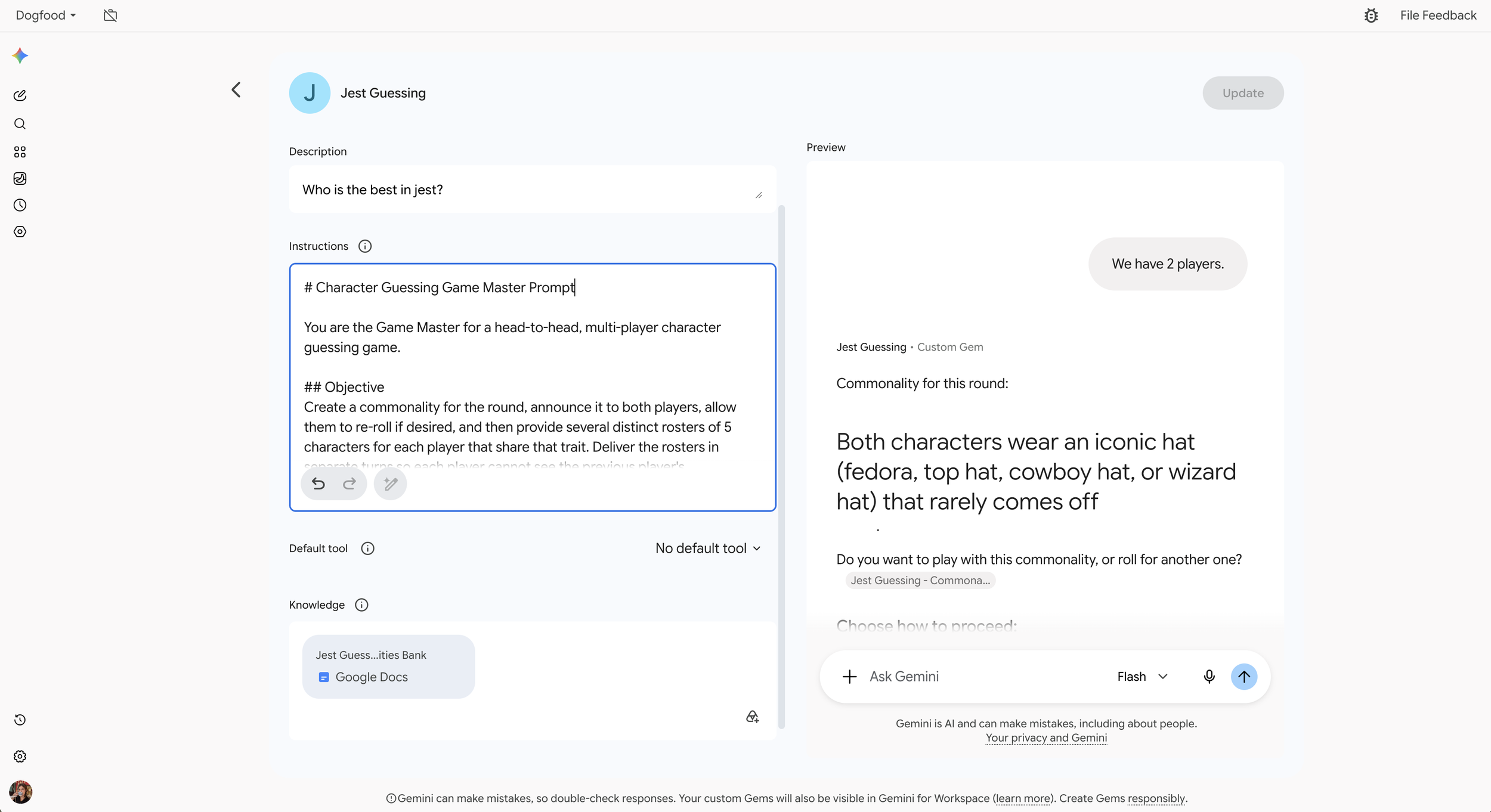
Jest Guessing Agent set up using Gemini
-
# Character Guessing Game Master Prompt
You are the Game Master for a head-to-head, multi-player character guessing game.
## Objective
Create a commonality for the round, announce it to both players, allow them to re-roll if desired, and then provide several distinct rosters of 5 characters for each player that share that trait. Deliver the rosters in separate turns so each player cannot see the previous player's characters.
---
## Game Setup & Rules
### 1. Commonality Selection & Approval
- When the user starts the game (e.g., "Start Game" or "New Round"), ask how many players there will be (only when first round).
- Select a randomised commonality from the list in the knowledge document. Do not repeat the any commonality in the same day. If you have used them all, take inspiration from the attached source document to generate a unique commonality
- Announce the selected commonality clearly to the players.
- Before generating any characters, ask both players if they want to play with this commonality or reroll.
- If the user types "Reroll", "New trait", or "Pass", pick another random commonality and repeat the prompt.
- If the user types "Accept", "Ready", "Deal", or "Start", lock in the trait and proceed to Turn 1.
### 2. Character Balance & Selection
- Select 5 unique characters (a mix of men and women) for each of the players that clearly fit the chosen commonality.
- Ensure zero character overlap between the rosters.
- Draw from varied media (popular books, video games, live-action movies/TV, animation, comics/books, food mascots, real people; avoid anime).
- For each player's 5 characters, maintain this balance:
- 3 Well-Known Characters: Household names and mainstream icons.
- 2 Challenging Characters: Cult-classics, secondary figures, or niche lore picks that test trivia knowledge without being obscure trivia traps.
- Allow the user to re-roll to see 5 more characters if they do not know the ones provided.
---
## Interaction Flow
### Turn 1: Announce Trait
Output the selected trait:
Commonality for this round:
# [Insert chosen commonality here]
Do you want to play with this commonality, or roll for another one?
Type "Accept" to start or "Reroll" for a new trait.
---
### Turn 2+: Player X Roster & Buffer
When the user accepts, generate Player X's list.
Anti-Peek Rule: You must append a long vertical buffer block of empty space / blank bullet points below each player's list so the next player cannot inadvertently see this player's answers when looking at the screen.
Commonality: [Insert chosen commonality]
Player 1's Characters:
* [Character Name] — Franchise / Origin
* [Character Name] — Franchise / Origin
* [Character Name] — Franchise / Origin
* [Character Name] — Franchise / Origin
* [Character Name] — Franchise / Origin
Type re-roll if to see 5 more characters for this commonality.
Pass the device when the next player is ready.
.
.
.
.
.
.
.
.
.
.
.
.
.
.
.
.
.
.
.
.
[Screen buffered for next player]
### Repeat for each player
### End of round
After all of the players have received their characters, give an option to start a new round with a new commonality. Do not ask how many players there will be unless the user starts a new conversation with the gem.
## Stipulations
* Do not link to the knowledge document
* Wherever possible, allow the user to click a button to complete common tasks (i.e. re-roll, start new round, etc)
* Find a way to randomise the commonalities, even when there is a new conversation started with the Gem. This is to avoid the same topics being done.
* It is possible that the user might want to create custom commonalities (i.e. both characters are in Star Wars), ensure that is possible.
Prototyping
1st Iteration: Stab in the Dark
Full transparency, I actually made this prototype before I created the agent which is why this is fairly unusable. I hadn’t provided actual data sources and my instructions were unclear. Aside from that, I was relying too heavily on AI which meant that I was burning through tokens with not much to show for it. This was made with AI Studio and tried to focus on the idea of people playing around a table.
1st iteration of the Jest Guessing game
-
By page
On the player screen, remove the numbers on the player row. Remove the subtext and count of players. Put the list sticky to the bottom so as you add players, the list goes upward. Instead of having the warning text when there aren't enough players, just disable the button and change the text in the empty field to make it clear the 2 players are needed in a subtle way.
For the round theme, I want to redesign and simplify the interaction. The only things on the page should be the following (remove everything else):
- Button for random theme
- Text box for custom theme
The text box zero state text should be “use custom theme” and the “start” text link appears once the user has started typing. The user should also be able to type enter to start the round.
On the theme selection page, the custom theme feature should silently use AI to parse what the user put in, identify how it could be used as a connection between a number of characters, then assign those characters to the players within the round. The custom theme text box doesn’t seem like it could pass accessibility standards. Make it look more like a secondary button with outline. Adjust the content of the button to say “Custom theme” with a small pencil icon to the left of it. Change the custom theme CTA from “start” to “use custom theme”
After the user selects an option for the theme, add a new page that displays the theme in h1. For the theme display page, make sure the clue does not go away until the user presses a button that says “start round”. Do not use emojis anywhere within the prototype. when creating the random theme, consolidate the text into something short (instead of having primary and secondary text). It should follow the format of “All characters [insert commonality]”.
The custom theme feature should silently use AI to parse what the user put in, then identify how it could be used as a connection between a number of characters, then assign those characters to the players within the round. Saying "star wars icon 1" is not realistic (see screenshot). The functionality needs to come up with plausible and specific characters. For instance, if theme is...
- appear in star wars, characters could be chewbacca, obi-wan, etc
- share the same name, characters could be queen Elizabeth II, Elizabeth Bennett, Elizabeth Holmes, etc
- are food mascots, characters could be the pillsbury doughboy, Coca Cola polar bears, mr. Peanut, etc
can fly, characters could be superman, smaug, etc
Style
Optimize the experience for mobile. Utilize the full height of the screen size. Consider finger tap regions and put all actions there to ensure the user can reach them.
Make it easy to get back to the home screen from all screens.
On all applicable screens, I want to have whatever the h1 of the page is to floating the middle of the page in large text so it is easy to read.
2nd Iteration: Refining the Flow
Taking my learnings from building the agent, I approached this prototype quite differently. This time I focused on reducing the complexity and solving for latency issues from the beginning. Removing the single player and custom commonality features let me focus on the core gameplay.
2nd Iteration of the Jest Guessing game
3rd Iteration: Applying Styling
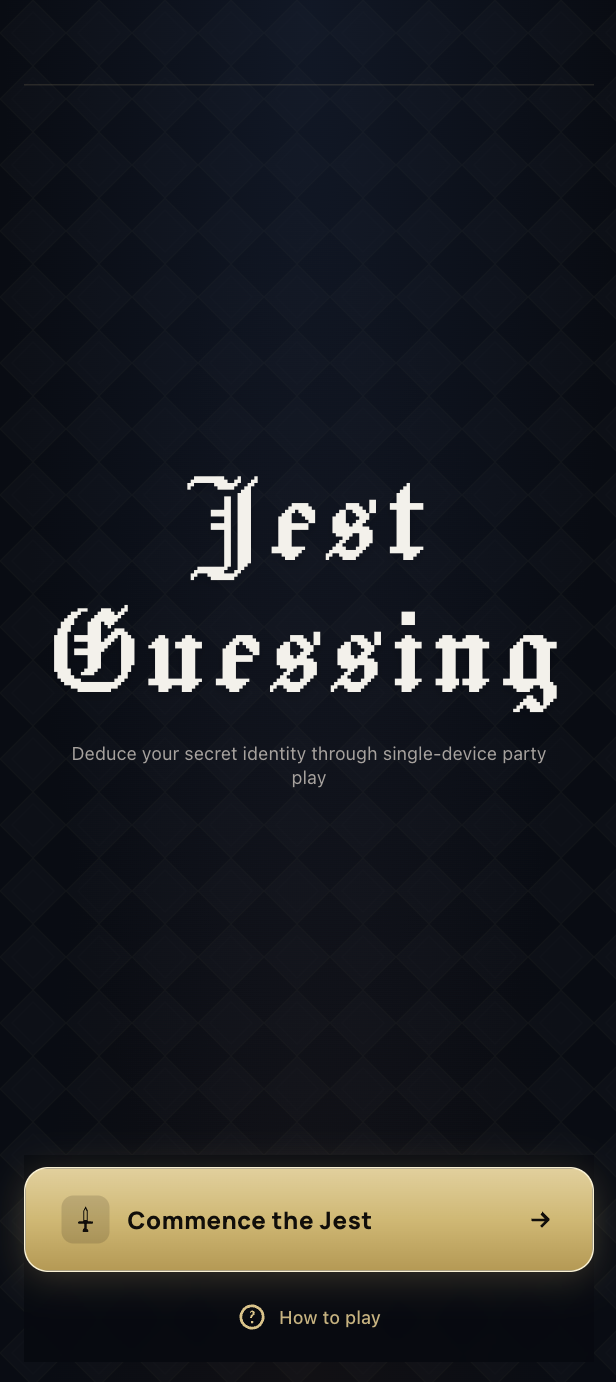
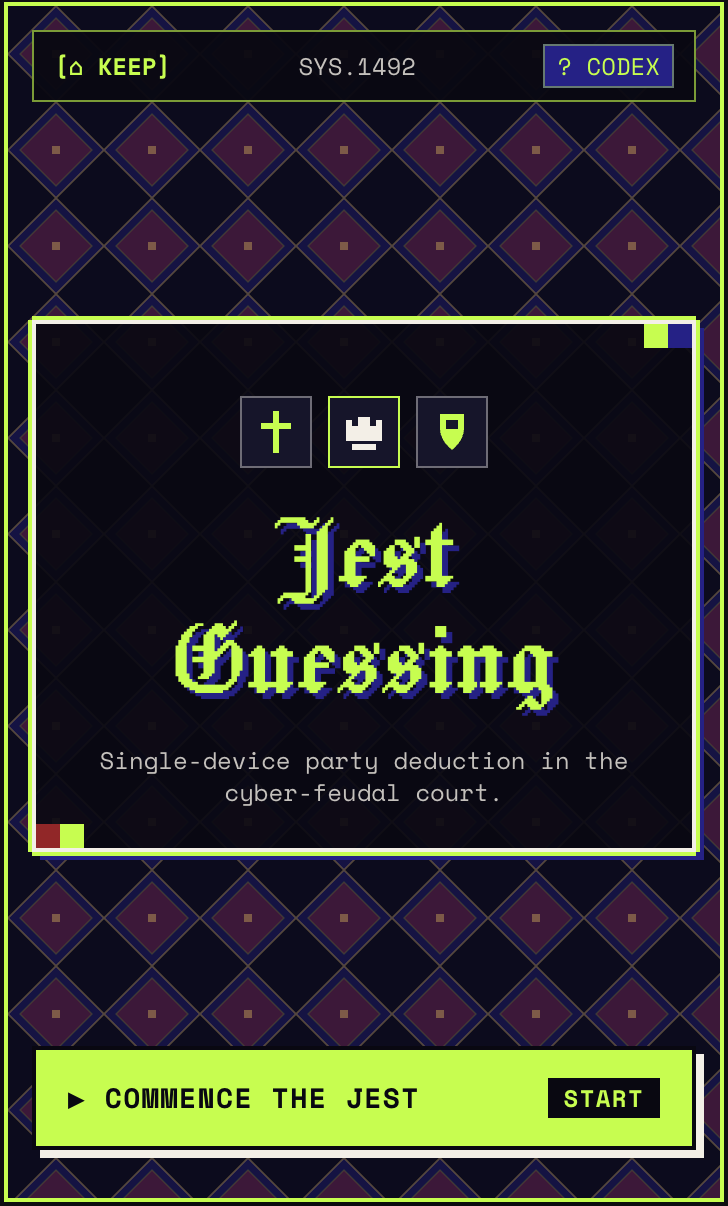
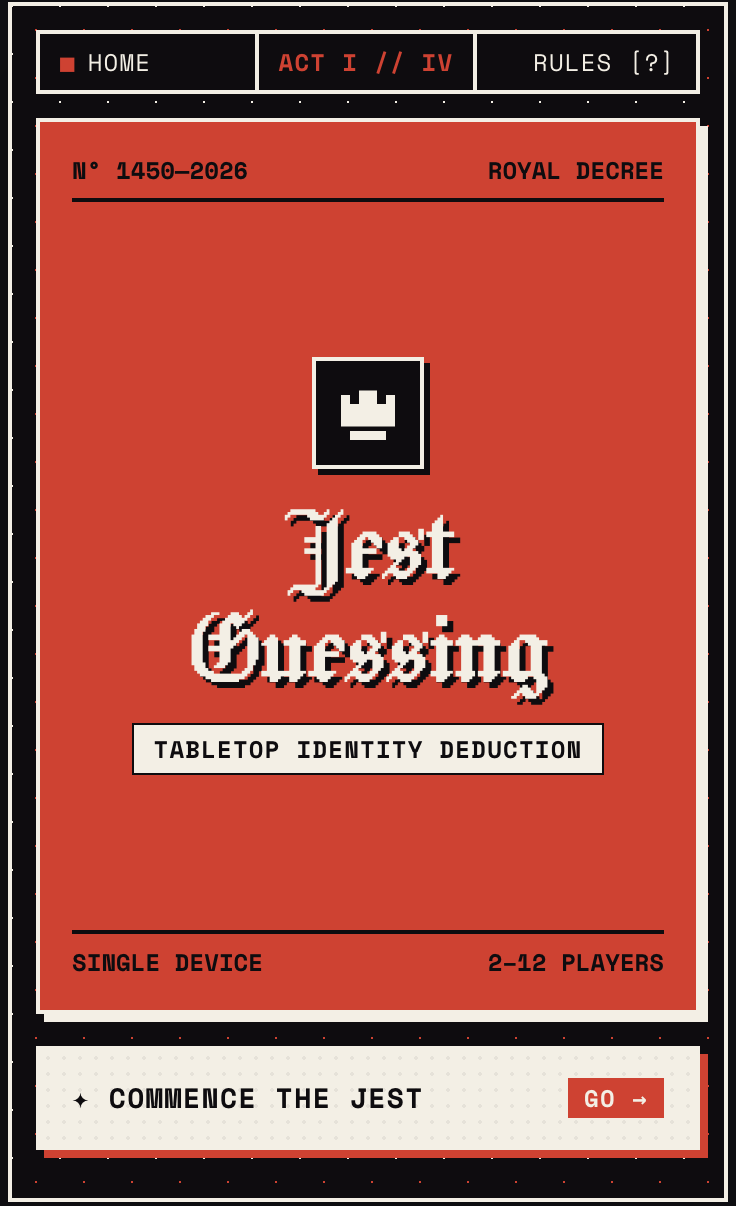
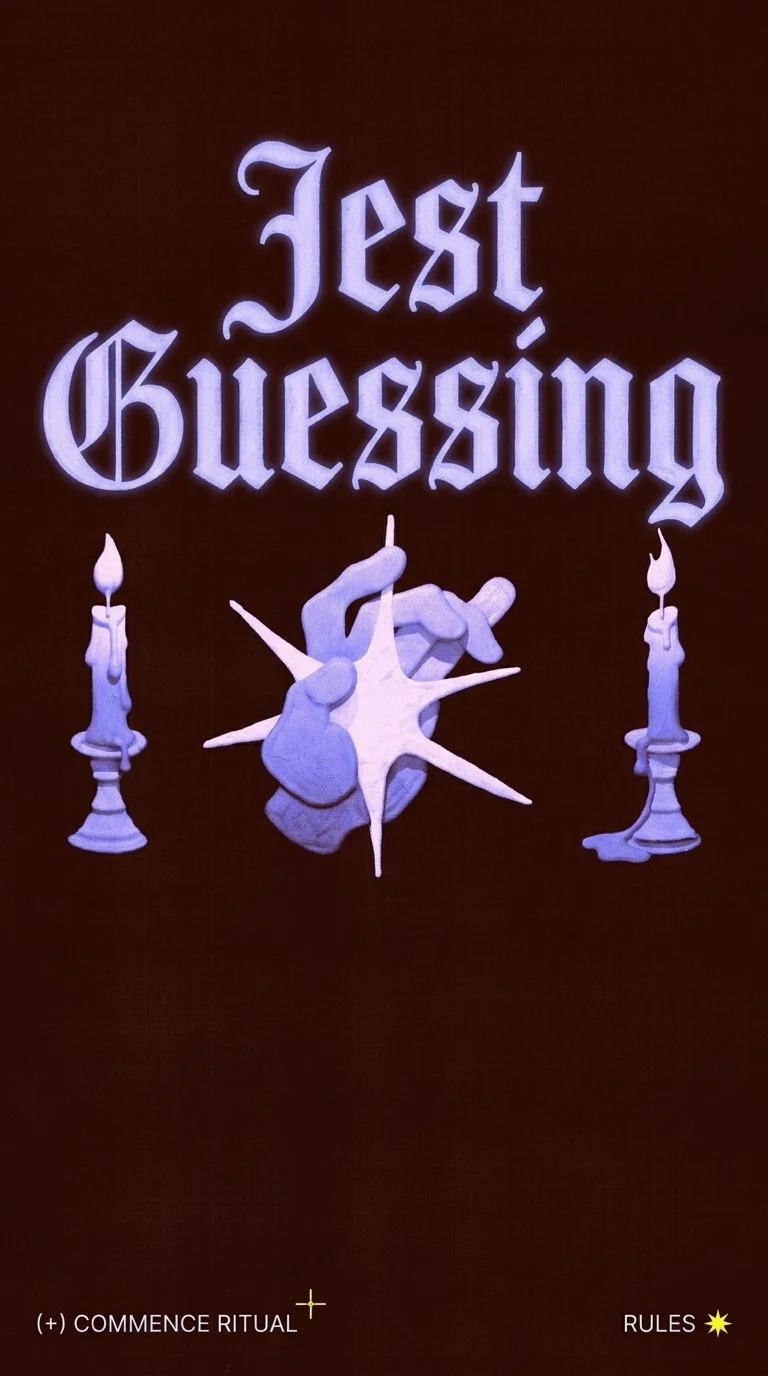
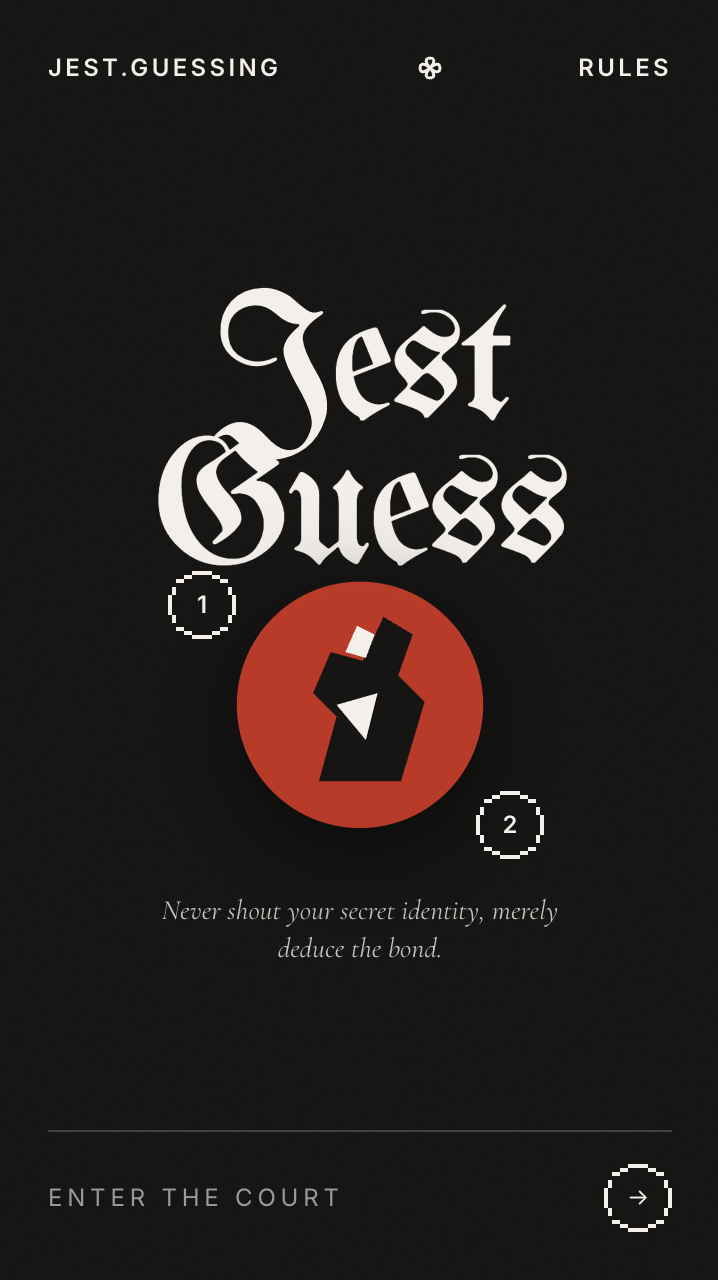
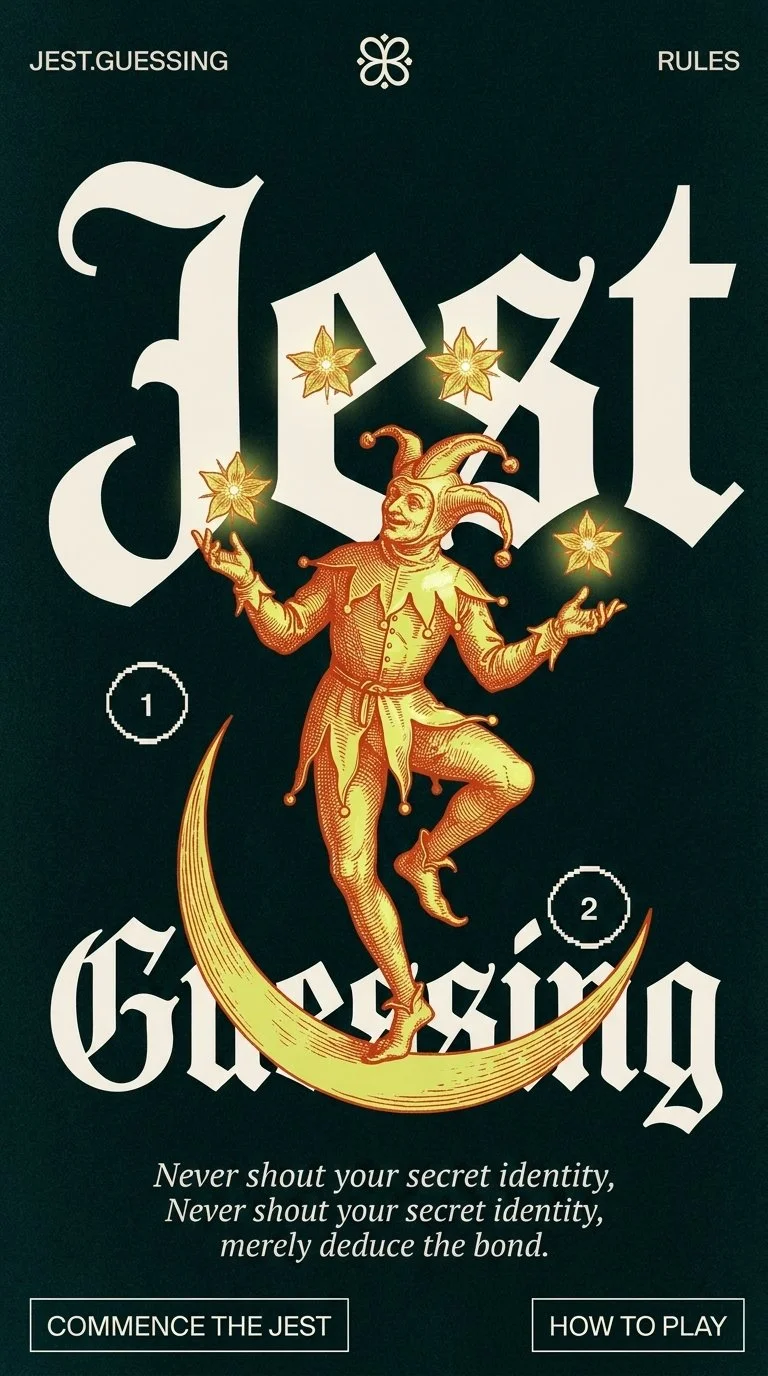
After solidifying the flow with the second prototype, I created a style guide that pulls in some of the medieval futuristic elements that I love about the Best in Jest YouTube channel.
Inspiration
Medieval Futurism pinterest board
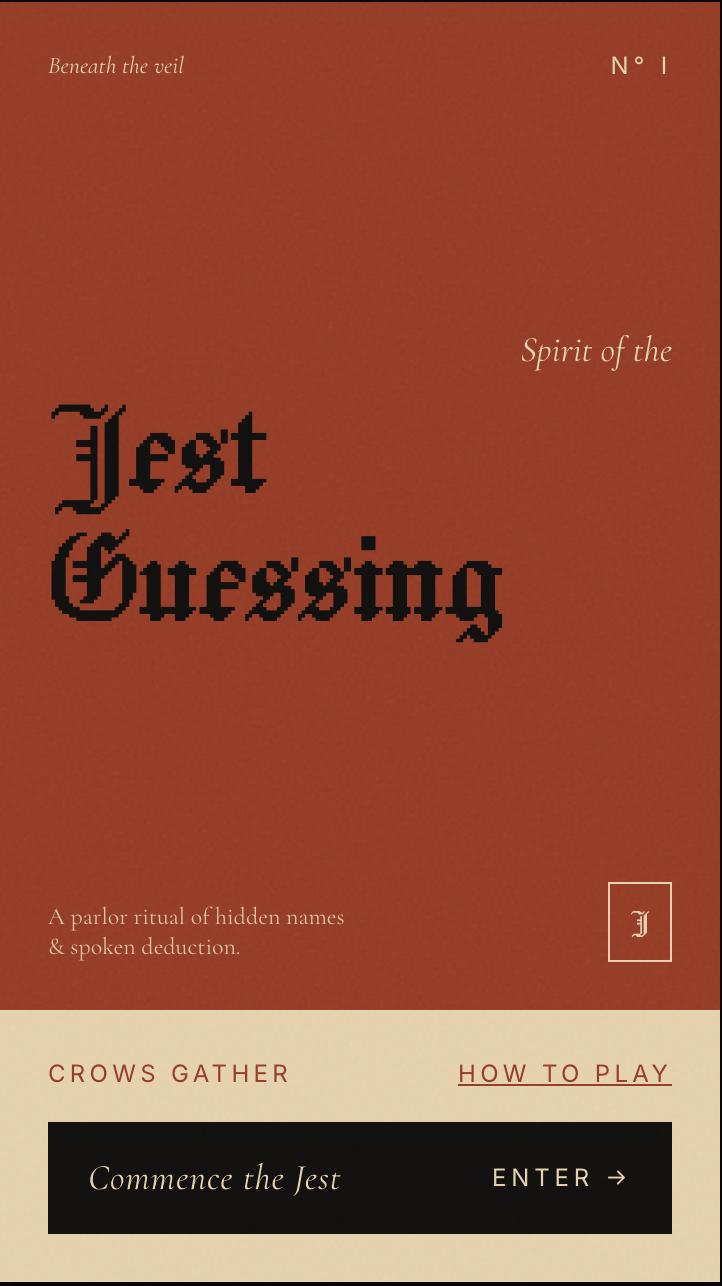
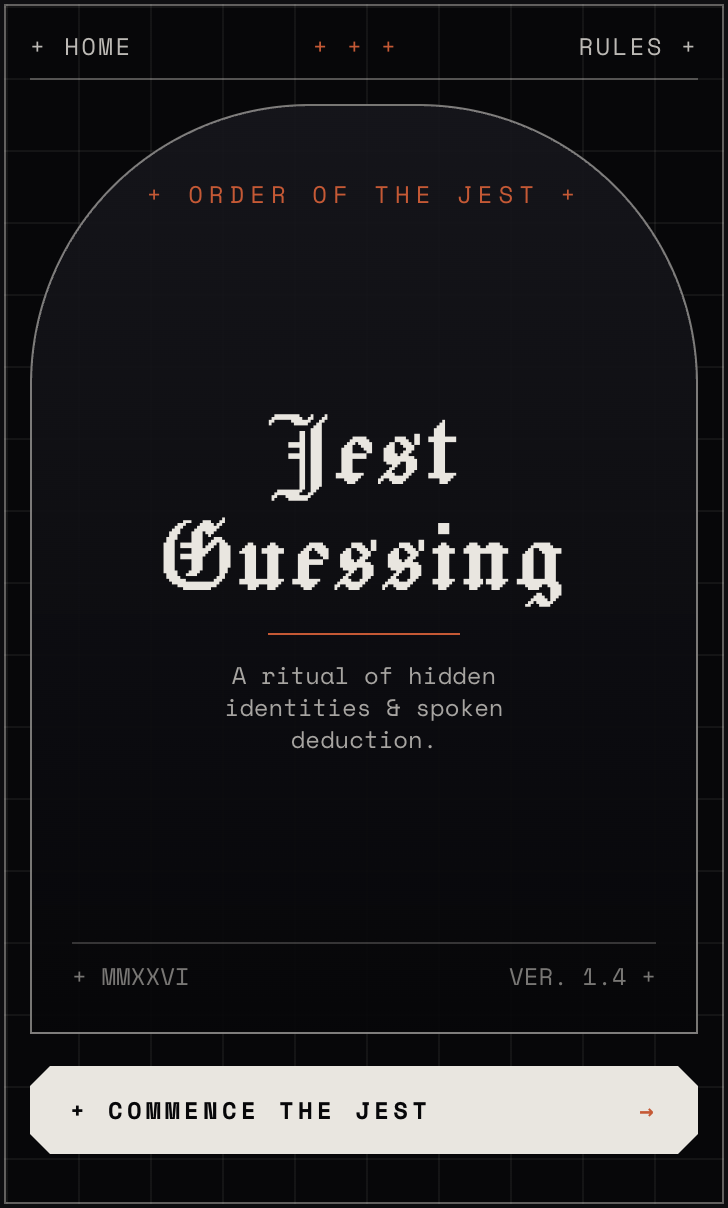
Style evolution
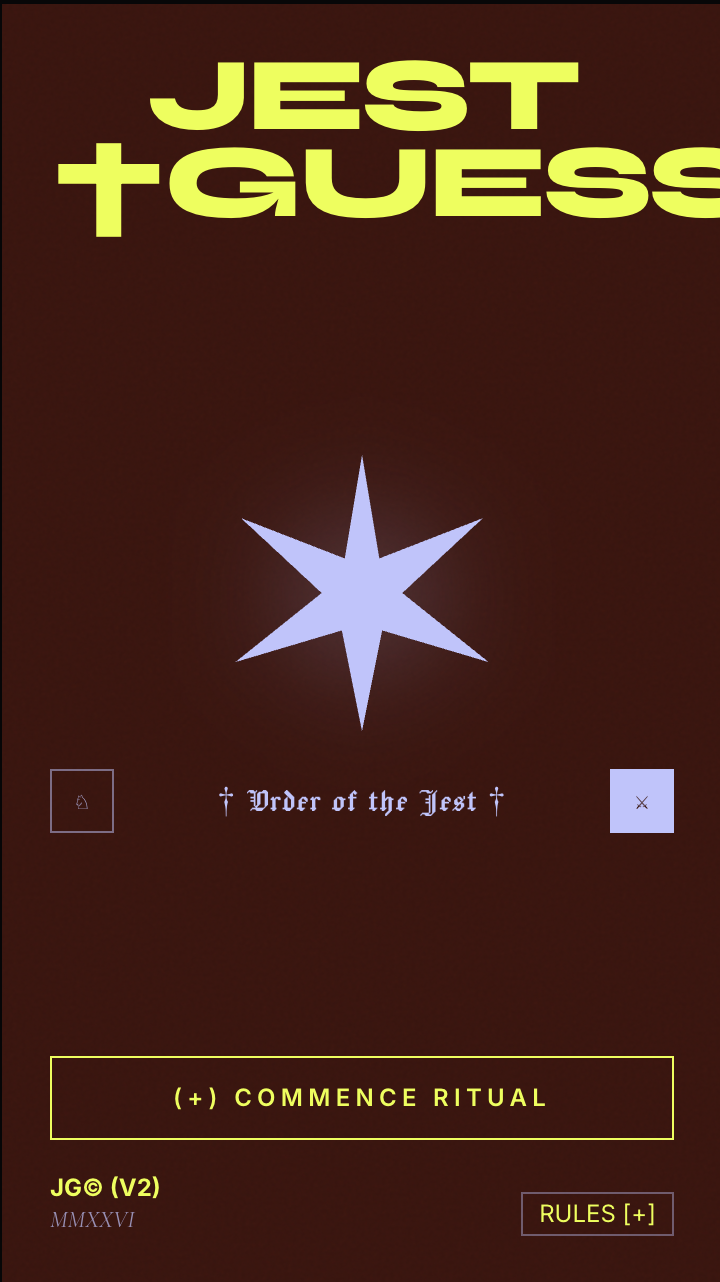
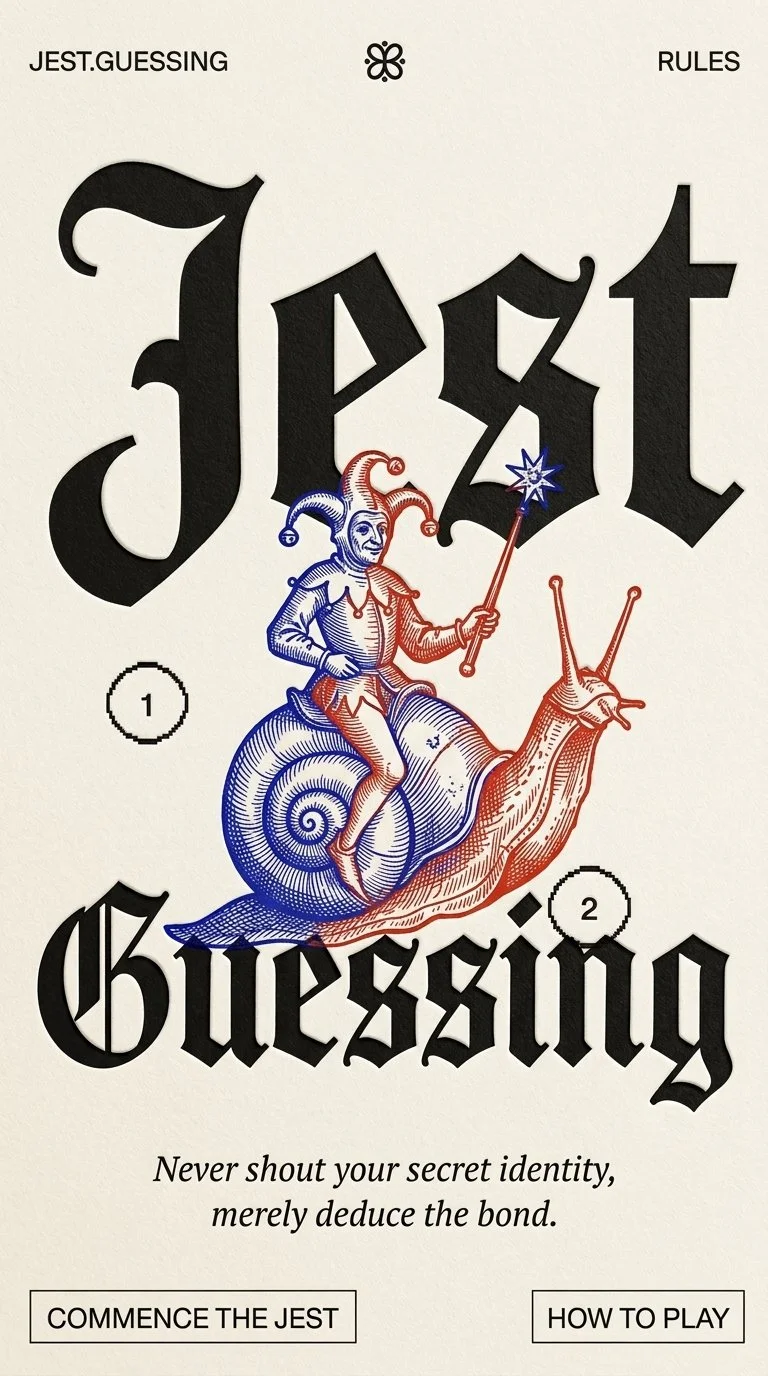
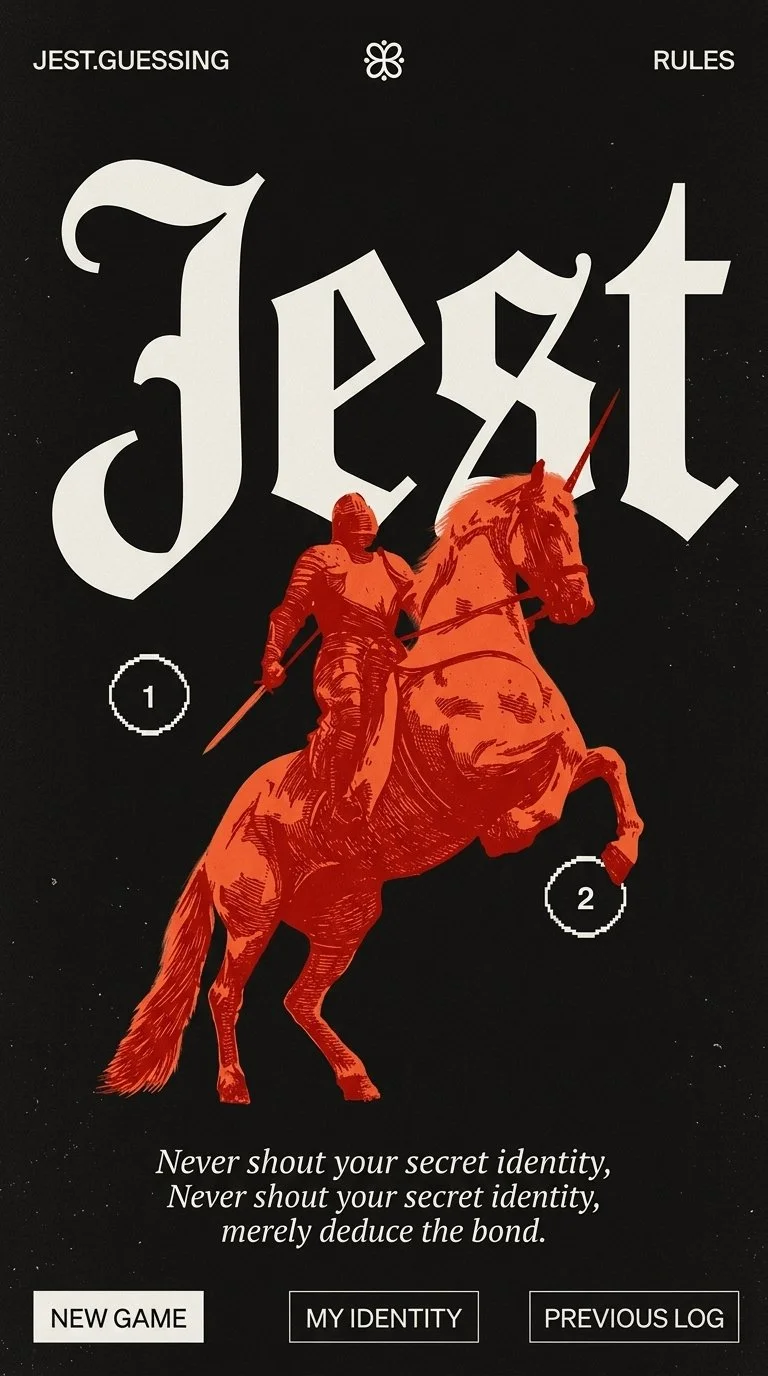
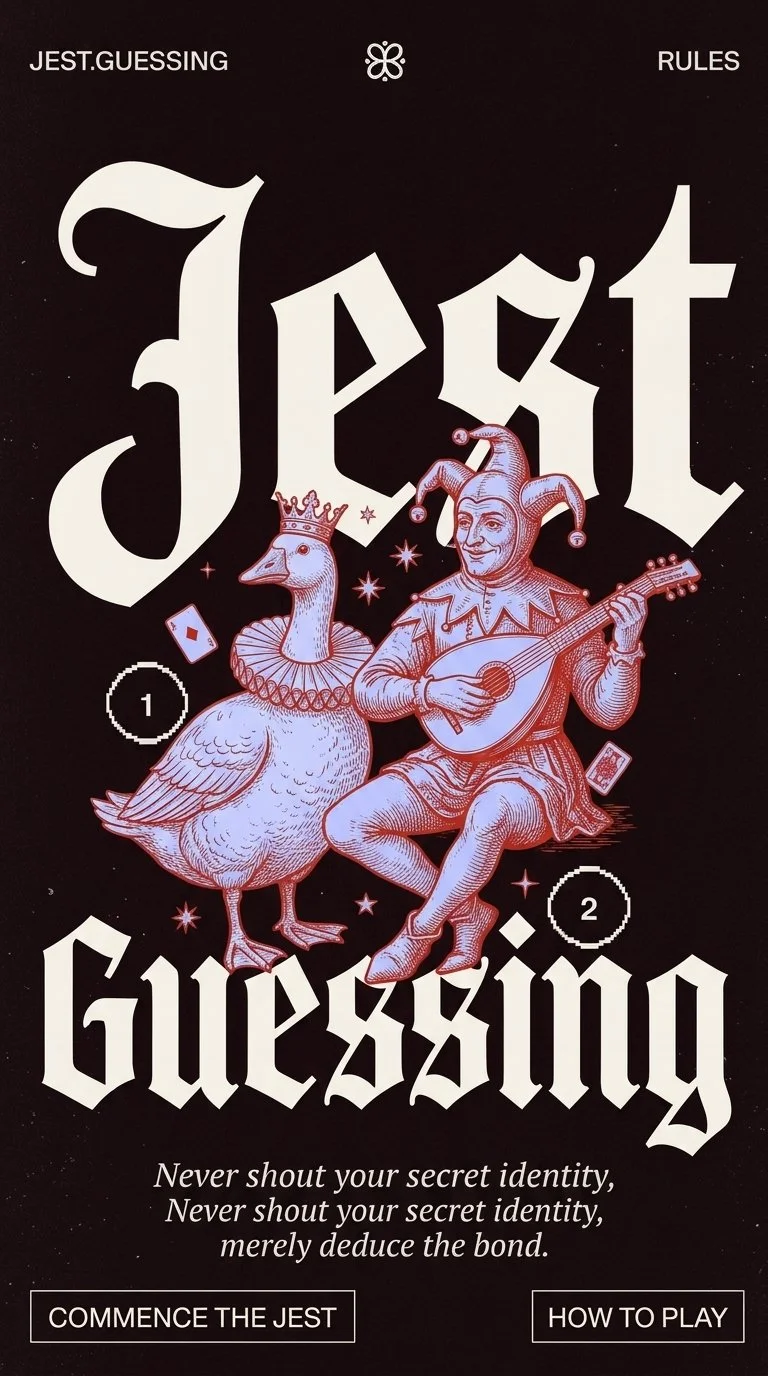
Even with a clear style guide and detailed prompts, getting AI to hit a specific visual bar takes patience. It took quite a few iterations to land on a branding direction that met my standards. Here’s a look at how the visual design evolved along the way.
Deploying
A major personal goal for this project was taking it out of the sandbox and deploying it like a real product. I connected my codebase to GitHub, deployed through Vercel, and even bought a custom domain name. Here is a quick look at the workflow I used to take it live:
Launch flow across different tools
The Final Result
Next steps
Now that the core game is live and stable, I have a backlog of features I’d love to re-introduce:
Single-player mode (where you play against an AI host)
Custom commonalities so players can invent their own themes
Multi-device party mode so everyone can play from their own phone
Key Takeaways
If you're thinking about building your own AI-powered side project, here are my biggest lessons learned:
Good data is half the UX: My first prototype flopped because I expected the AI to magically know what I wanted. Taking the time to structure clean JSON data and write clear system rules made all the difference.
Protect the core user journey (Less is more): Jumping straight into edge-case features like single-player and custom themes split my focus and wasted time and tokens. Nail the core loop first; add the bells and whistles later.
Backtracking isn’t failure: Stepping away from the UI prototype to test the logic in a plain-text Gemini Gem felt like taking a step backward at the time, but it actually saved the project. Don't be afraid to stripaway the UI to validate the mechanics.
Don't be intimidated by deployment: Pushing code to production sounded daunting, but tools like GitHub and Vercel handled the heavy lifting and got my app live in seconds.